









Most used mouse
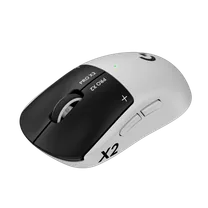 Logitech G Pro X2 SUPERSTRIKE Lunar Eclipse
35 pros, 25% of the category
An open archive of Counter-Strike 2 pros: 149 players, 29 teams, 325 gear models, 66 weapons, 12 maps and 5 roles. Every value is dated and traced to where it came from.
Highest rated right now: donk, ZywOo, m0NESY, insani and blameF.
eDPI = mouse DPI × in-game sensitivity
The 10 highest-rated pros and the setup they play with. 76 of 140 pros use 800 DPI and 57 use 400. 69% play on 1280×960.
| # | Player | Team | Rating | DPI | Sens | eDPI | Resolution | Mouse |
|---|---|---|---|---|---|---|---|---|
| 1 | 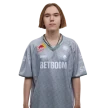 donkTeam Spirit donkTeam Spirit | Team SpiritEntry Fragger | 1.39 | 800 | 1.25 | 1,000 | 1280×960 | ZOWIE x donk Mouse (Unreleased) |
| 2 | 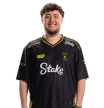 ZywOoVitality ZywOoVitality | VitalityMain AWPer | 1.38 | 400 | 1.9 | 760 | 1024×768 | Pulsar ZywOo The Chosen Mouse Gen.2 |
| 3 | 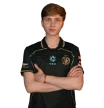 m0NESYTeam Falcons m0NESYTeam Falcons | Team FalconsMain AWPer | 1.28 | 400 | 2.3 | 920 | 1280×960 | Logitech G Pro X Superlight 2 White |
| 4 |  insaniMIBR insaniMIBR | MIBRRifler / Lurker | 1.25 | 800 | 1.25 | 1,000 | 1280×1024 | ZOWIE S2-DW Black |
| 5 |  blameFBIG blameFBIG | BIGRifler / Lurker | 1.23 | 400 | 1.55 | 620 | 1280×960 | Logitech G Pro X3 SUPERSTRIKE Magenta Eclipse |
| 6 |  MagnojezBETBOOM MagnojezBETBOOM | BETBOOMEntry Fragger | 1.22 | 800 | 1 | 800 | 1920×1080 | Logitech G Pro X2 SUPERSTRIKE Lunar Eclipse |
| 7 |  KSCERATOFURIA KSCERATOFURIA | FURIASite Anchor | 1.19 | 800 | 1.45 | 1,160 | 1280×960 | Logitech G Pro X3 SUPERSTRIKE Magenta Eclipse |
| 8 |  w0nderfulNatus Vincere w0nderfulNatus Vincere | Natus VincereMain AWPer | 1.18 | 400 | 2 | 800 | 1280×960 | Logitech G Pro X3 SUPERSTRIKE Magenta Eclipse |
| 9 |  frozenFaZe Clan frozenFaZe Clan | FaZe ClanRifler / Lurker | 1.17 | 400 | 2 | 800 | 1280×960 | Razer DeathAdder V4 Pro Black |
| 10 |  JBOENFaZe Clan JBOENFaZe Clan | FaZe ClanMain AWPer | 1.17 | 400 | 2 | 800 | 1280×960 | Logitech G Pro X Superlight 2 Black |
Drawn from each pro's saved settings over an Active Duty map. Copy a code, then paste it in CS2 under Settings, Game, Crosshair, “Share or Import”.
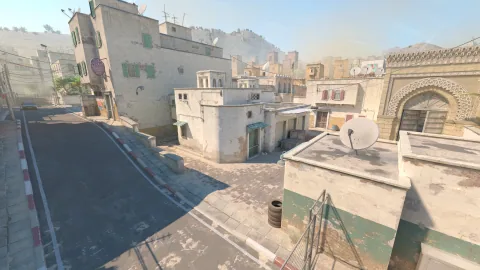 Dust II
CSHMaMsuZ4tkuSMkpx6ajXU9XyuWcjcxMG5nKQKj8STPGH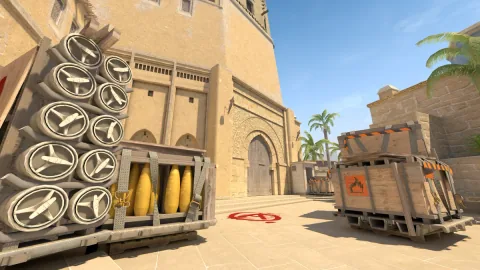 Mirage
CSH2Rx7cGRU5apQ4VSnZwjsr9RyLEiOrCAaVYWYvW6dz7H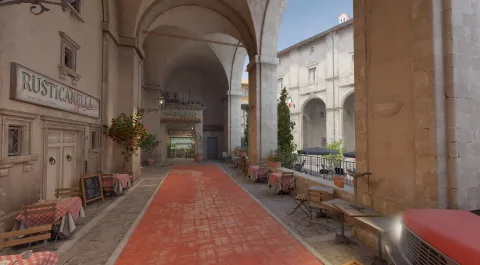 Inferno
CSmkFBqC8BwfnX8ZEYHeEoRGjYVxNEJXYNNJ8QSdDhXwGF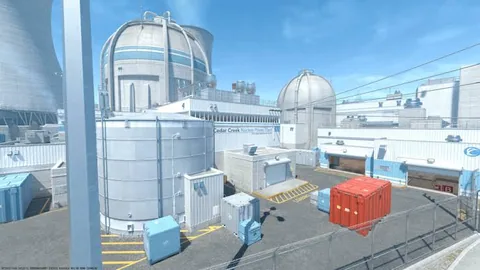 Nuke
NukeCSfSbfP9AOERLfDeK8xcqJk5E7KfdQxYJJzLp8UYypRQcU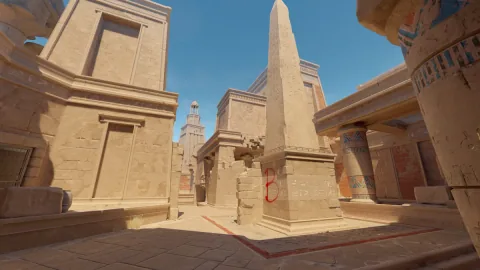 Anubis
CSRnXMDxjVPr78TqYCvDEOLa2LEPynmcvwpGK5sMcwOAYF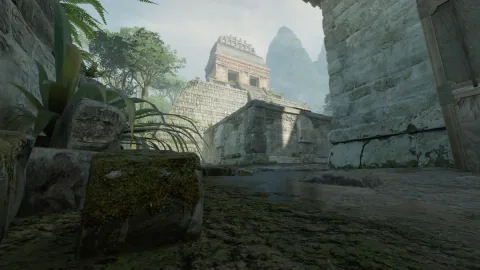 Ancient
CST2tOWtDMdP3OsX5EnztdeKOSh8jYCvEboxzeZoONzu3XRifler / Lurker is the most common role (79 of 149 pros), followed by Main AWPer (32) and In-Game Leader (24).
79 pros (53%), led by insani
32 pros (21%), led by ZywOo
24 pros (16%), led by Twistzz
9 pros (6%), led by donk
5 pros (3%), led by KSCERATO
World #1 right now: FURIA, ahead of Vitality and Team Spirit. Lineups show the current starting five.
yuurih, KSCERATO, FalleN, molodoy, YEKINDAR
apEX, ZywOo, flameZ, mezii, ropz
tN1R, zont1x, donk, sh1ro, magixx
PR, Spinx, torzsi, xelex, xertioN
Wicadia, woxic, XANTARES, Jimpphat, kyxsan
karrigan, NiKo, TeSeS, m0NESY, kyousuke
S1ren, Magnojez, Boombl4, d1Ledez, zorte
dem0n, dziugss, Krabeni, xfl0ud, SunPayus
The Logitech G Pro X2 SUPERSTRIKE Lunar Eclipse is the most used mouse (35 pros) and the ZOWIE XL2566K the most used monitor (47 pros). Counts include only gear a pro uses today.
Logitech G Pro X2 SUPERSTRIKE Lunar Eclipse35 pros, 25% of the category
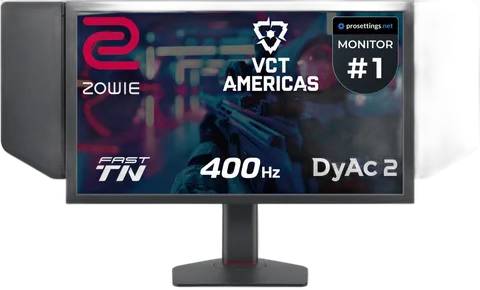 ZOWIE XL2566K
47 pros, 34% of the category
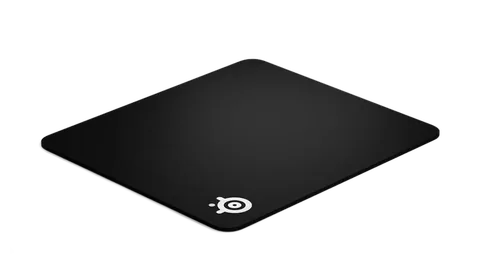 SteelSeries QcK Heavy Black
19 pros, 14% of the category
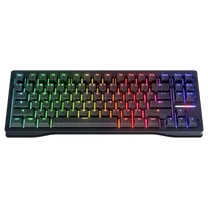 Wooting 80HE Black
23 pros, 16% of the category
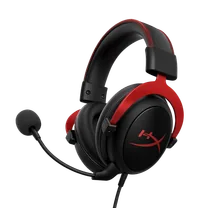 HyperX Cloud II
13 pros, 9% of the category
ZOWIE by BenQ gear is used by 139 pros, more than any other brand; Logitech G follows with 92.
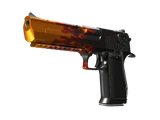
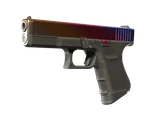
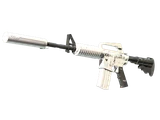
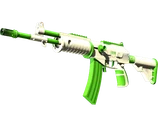
683 skins sit in the loadouts of 140 pros. The USP-S | Kill Confirmed is the most used (58 pros).
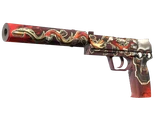
Covert58 pros
Restricted48 pros
Restricted29 pros
Covert29 pros
Classified24 pros
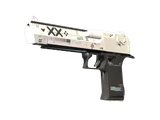
Covert23 pros
The AK-47 accounts for 35% of the 3,046,633 pro kills logged across all weapons.
Nuke is the most CT-sided map in the pool (CT wins 53.6%), while Dust II is the closest to even.
CSV snapshots of the archive, refreshed with every build (Nov 2026). Free to reuse with a link to gamerstats.net.
cs2-player-ratings.csv
Rating 3.0 and core stats per player, 149 rows
cs2-team-rankings.csv
World and VRS ranks per team, 29 rows
cs2-settings-mouse.csv
DPI, sensitivity, eDPI and polling rate, 140 rows
cs2-pro-gear-tenures.csv
Which pro used which product, and when, 325 products
cs2-pro-crosshairs.csv
Crosshair length, thickness and gap in pixels, 132 rows
Settings and gear come from tournament configs and the pros’ own streams, never copied from other tables.
Every value carries the date it was last verified. Gear a pro stops using moves to their history.
Changes are kept in each player’s public change log, so you can see what changed and when.
Primary sources: Valve Regional Standings (valve’s published team rankings (VRS) and the method behind them); Counter-Strike 2 (Valve) (game updates, the Active Duty map pool and weapon data). Full standards in our editorial policy.
Answers computed from the archive, so they change when the pros do.
The median CS2 pro plays at 800 eDPI (mouse DPI × in-game sensitivity). Half of the 140 pros tracked on gamerstats.net sit between 708 and 922 eDPI, and the full range runs from 400 to 1,600. Every pro's value is in the CS2 pro settings index.
76 of 140 tracked pros (54%) use 800 DPI and 57 (41%) use 400 DPI. Only 7 pros use any other value.
1280×960 is the most common resolution: 95 of 138 pros (69%) play on it. Next are 1920×1080 (13) and 1024×768 (9).
88 of 140 tracked pros (63%) run their mouse at 1,000 Hz. The rest use 2,000 Hz (24), 4,000 Hz (22) and 8,000 Hz (5).
The most used mouse among tracked CS2 pros is the Logitech G Pro X2 SUPERSTRIKE Lunar Eclipse (35 pros, 25%). Next are the Logitech G Pro X Superlight 2 Magenta (10) and the Logitech G Pro X Superlight 2 White (9). 140 pros have a logged mouse across 55 models. See the full ranking of pro mice.
The most used monitor among tracked CS2 pros is the ZOWIE XL2566K (47 pros, 34%). Next are the ZOWIE XL2586X+ (41) and the ZOWIE XL2546K (29). 140 pros have a logged monitor across 9 models. See the full ranking of pro monitors.
Among the pros tracked on gamerstats.net, donk (Team Spirit) has the highest Rating 3.0 at 1.39, ahead of ZywOo (1.38) and m0NESY (1.28).
Settings and gear are taken from tournament configs and the pros’ own streams, then stamped with the date they were verified. Changes are kept in each player’s public change log, and the raw numbers can be downloaded as CSV files.